Simple FAQ Templates That Grow Traffic, Rank in Search, and Convert Visitors
[vc_row css=”.vc_custom_1757541661311{padding-right: 3% !important;padding-left: 3% !important;}”][vc_column][vc_column_text css=”” c_id=”.vc_1762608076874″]
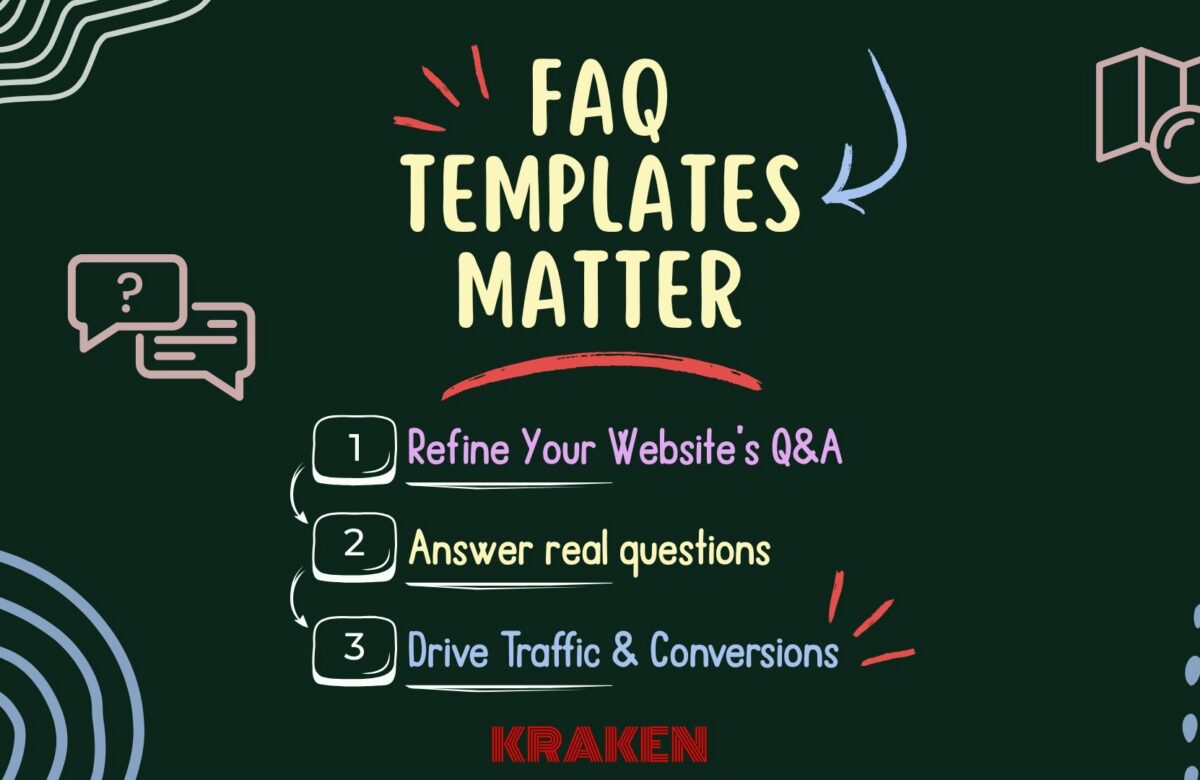
Why FAQ Templates Matter
People want quick answers before they call or book. Clear Frequently Asked Questions and FAQ templates:
-
Save time for you and your staff
-
Builds trust by answering “what it costs,” “how fast,” and “what to expect”
-
Helps search engines understand your site (good for SEO — Search Engine Optimization)
-
Can increase conversions (calls, bookings, and form submissions)
Your FAQ templates are a powerful asset for answering customer questions, earning trust, and supporting conversions. Think of an FAQ as the connective tissue between search queries, your product/service pages, and contact actions. (Google for Developers)
What Good FAQ Templates Look Like—A Simple Checklist
Write like a customer talks.
Use their words: “Do you take my insurance?” “How soon can you come out?” “Do you offer same-day showings?”
Keep answers short.
Give the direct answer first. If needed, add 2–4 simple bullets.
End with a next step (CTA — Call to Action).
Examples: “Book online,” “Call now,” “Get an estimate,” “See pricing.”
Link to useful pages.
From each answer, link to related services, locations, pricing, policies, or forms. This drives local citations and SEO.
Make it easy to skim.
Group questions by topic (Appointments, Pricing, Insurance/Payment, Services, Policies, Locations). Put the top 8–12 questions first.
Measure it.
Track clicks on “Book,” “Call,” and other buttons so you know what works (you can set this up in Google Tag Manager (GTM)).

Win Conversational & Voice AI Searches with Strong FAQ Templates
As search shifts to conversational and voice AI search, FAQ templates written in natural Q&A form help assistants “understand” intent via Natural Language Processing (NLP). Clear questions and direct, scannable answers map to spoken queries, improving your chances to appear in voice results, featured snippets, and AI overviews—right when customers are ready to call or book.
Read more to learn more about Preparing Your Content for Conversational AI and Voice Search
Where Your FAQ Should Live
-
Create a main FAQ page: yoursite.com/faq with clear categories
-
Create mini-FAQs on key pages: 3–5 Q&As on service pages and location pages (for example, “Emergency AC Repair — FAQs”)
Example Questions You Can Use
Medical/Dermatology
-
Do you accept my insurance?
-
How soon can I get an appointment for acne or a rash?
-
What should I bring to my first visit?
Dental
-
How much does a crown or implant cost?
-
Do you have same-day emergency appointments?
-
Do you offer payment plans?
HVAC (Heating, Ventilation, and Air Conditioning)
-
What size system do I need for my home?
-
Do you offer after-hours service?
-
What are your diagnostic fees?
Real Estate
-
How do I get pre-approved for a mortgage?
-
Can I schedule a same-day showing?
-
What are your listing contract terms?
How to Write Questions That Match Search (and Real Customer Needs)
-
Pull real questions from emails, calls, chat, and reviews.
-
Use the same words your customers use (not internal jargon).
-
Keep each answer to 120–180 words when possible.
-
Use clear anchor text for links (for example, “see AC repair pricing” rather than “click here”).
-
Review and update monthly. Add new questions you hear often.
Simple Metrics to Track—Keep It Basic
-
Clicks to action (CTA): How many people clicked “Book,” “Call,” or “Estimate” from the FAQ?
-
Top searched terms on your site: If people are searching for a term you don’t answer, add it.
-
Support deflection: Are you getting fewer repeat calls/emails on common questions?
Light Tech Tips—Optional but Helpful
-
Use accordions or toggles (most page builders have them) so people can expand questions.
-
Headings: Make each question in your FAQ templates a Heading 3 (H3) under a Heading 2 (H2) category.
-
Accessibility: Ensure toggles work with keyboard and screen readers (your builder likely supports this).
-
Structured data (JSON-LD — JavaScript Object Notation for Linked Data): You can add FAQ schema so search engines understand the page. Note: Google limits when FAQs show directly in search results now, but the on-site value is still strong.
-
Track clicks with Google Tag Manager (GTM) events (for example, event name:
faq_click, parameter:question_text).
Quick Industry Examples—Turning Answers into Actions
Real Estate mini FAQ templates on a property page
-
Can I schedule a same-day showing?
Yes—tap Schedule a Tour to choose times today or tomorrow.
CTA: Schedule a Tour -
What are the HOA (Homeowners Association) fees?
The fee is $X/month and includes ____.
CTA: View HOA Documents
HVAC service page mini FAQ templates
-
Do you charge a diagnostic fee?
Yes, the fee is applied to the cost of the repair if you proceed.
CTA: Book Diagnostic Visit -
How quickly can you arrive?
Typical arrival is 2–4 hours depending on location.
CTA: Check Availability by Zip Code
Maintenance Plan So Your FAQs Stay Useful
-
Monthly: Add 2–3 new Q&As from recent calls/chats; update one policy or pricing range.
-
Quarterly: Merge duplicate questions and refresh outdated answers.
-
When policies change: Update right away and add “Updated: Month Year.”
What Kraken Media Can Do
-
Review your real customer questions and group them into clear categories.
-
Build FAQ templates plus mini-FAQs on high-intent pages.
- Ensure FAQs include local citations for SEO
-
Write clear, friendly answers with links to the right pages and forms.
-
Set up tracking so you can see what questions lead to calls and bookings.
-
(Optional) Add structured data (JSON-LD) and check it with Google’s testing tools.
In Conclusion—FAQ Templates
Well-designed FAQ templates improve usability and decision confidence, increasing the likelihood of customer conversion from your website.
Long-running usability research shows that FAQs, when structured well and kept current, reduce friction and help people complete tasks—like booking an appointment or requesting a quote—like becoming your customer! (media.nngroup.com)
Call to Action
👉 Want FAQ templates that actually drive traffic, answer real questions to show up in AI and conversational search, and boost bookings? Contact Kraken Media for a quick audit or a done-for-you build.[/vc_column_text][vc_column_text c_id=”.vc_1700072742088″]
__________________

Written by: Shakir Miller
Kraken Media LLC
[/vc_column_text][/vc_column][/vc_row][vc_row gap=”30″ p_top=”0″ m_bottom=”0″][vc_column width=”1/6″][/vc_column][vc_column animation=”fadeInUp” animation_iteration=”1″ width=”2/3″][vc_column_text c_id=”.vc_1673058043964″]
Have Questions?
[/vc_column_text][vc_column_text c_id=”.vc_1673059285910″]
Contact us to discuss how we can create a unique solution for your organization. We work with individuals and large businesses to streamline their video, live streaming, and marketing needs. Click the link below or email us directly at developer@krakenusa.com.
[/vc_column_text][vc_empty_space height="30px"][ivan_button link="https://krakenusa.com/project/video-production/" size="large" align="to-center" animation_iteration="1" template="primary-bg" c_id=".vc_1673059325405"]Video Portfolio[/ivan_button][ivan_button link="https://krakenusa.com/contact-us/" size="large" align="to-center" animation_iteration="1" template="primary-bg" c_id=".vc_1673057986881"]Contact Us[/ivan_button][/vc_column][vc_column width="1/6"][/vc_column][/vc_row]